
Trawl 3.16: What 15 Days at Full Load Taught Us
Fifteen days at a retail pilot's load: 443 scrapers, 262,000 stored rows, 99% of runs with data. Plus a Monitoring calendar that shows each day's balance, docs you read on one side and copy from the other, and a CLI trigger that runs your saved scenarios.


Trawl already watches your pages, keeps the rows it finds and repairs a scraper when a site changes. Over the last fifteen days it did that at a load it had never seen: a retail pilot pushed hundreds of new scrapers and about 25,000 AI page reads through it. This post is what came out of that: the numbers, and the changes they led to across twelve releases.
In short, these two weeks bring:
- 📈 Proof at load: 443 scrapers, 262,000 stored rows, 99% of runs successful.
- 🗂️ Keep data and Track changes, in beta: a list that keeps a row after it leaves the page, and the history of the fields that move.
- 📅 A calendar that shows each day's balance: a day with one failure out of forty runs reads as a good day.
- 📖 New docs: search, a sidebar that follows you, and guides you can read on one side and copy from the other.
Live now on the web app, the API (v3.16.0), the worker (1.6.0) and the CLI (4.0.8). Nothing to turn on.
Fifteen days at a pilot's load
Between 25 October and 9 November the number of scrapers on Trawl went from 332 to 443, and Trawl stored 262,000 rows of data, 255,000 of them on scrapers that keep their history. Across 27,500 runs in that window, 99% came back with data. Most of that load came from one retail pilot, so it is a stress test more than organic growth, and that is the point: it is the load your scrapers will meet when you grow.
The busiest day was 31 October, with 9,923 runs. The quiet days, around 600 runs, are the pilot's normal cadence now. Ten scrapers broke on a site change in that period and Trawl repaired them.
For developers: the figures, read from the production database
- Scrapers: 332 on 25 October, 443 on 9 November.
- Rows: 261,998 stored, 254,940 of them on the 264 scrapers with Keep data on. Keep data updates a row field by field and keeps each field's history, which is what the pilot leaned on.
- Runs: 27,562 in fifteen days, 27,319 successful (99.1%). About 2,500 were browser runs, the rest AI reads of product pages.
- Repairs: 10 scraper versions written by the AI repair.
- Peak: 9,923 runs on 31 October, across 30 scrapers.
Keep data and Track changes: a list that remembers
By default a scraper is a mirror of the page: a row that leaves the page leaves your data. With Keep data on, the row stays, with its last known values, so a product that sells out is still in your list. Track changes adds a history to the fields you choose: a price, a stock level, a rating, one point each time the value moves. Both are in beta: we switch them on for you today, and the setting comes to the scraper's page next.
This is what the pilot ran on for fifteen days, with 255,000 rows kept across 264 scrapers. A price that stays at 19.90 for thirty days is one point in the history, and the day it drops to 17.90 is a second one, dated by the run that saw it. Nothing to store on your side, nothing to diff.
Here is what Trawl keeps for one item of a product list keyed on its SKU, after two runs that saw the price move:
{
  "key": "[\"AX-2041\"]",
  "data": { "sku": "AX-2041", "name": "Wool scarf", "price": 17.90, "stock": "in_stock" },
  "firstSeenAt": "2026-10-10T06:00:12Z",
  "lastSeenAt": "2026-11-08T06:00:09Z",
  "changes": [
    { "path": "price", "points": [
      { "at": "2026-10-10T06:00:12Z", "value": 19.90 },
      { "at": "2026-11-08T06:00:09Z", "value": 17.90 }
    ] },
    { "path": "stock", "points": [
      { "at": "2026-10-10T06:00:12Z", "value": "in_stock" }
    ] }
  ]
}
Twenty-nine runs in between saw the same price and wrote nothing. The stock never moved, so it has one point. The row itself (data) always holds the latest known values.
For developers: how items, keys and history work
- ⚙️ Platform · Items: every row a run returns is an item. Without options, items follow the latest successful run that passed the data quality check; a failed, empty or regressed run leaves them as they were.
- Key: one or more output fields that identify a row (a SKU, an offer URL, day + place). Both options need one; a run with a missing or duplicated key is marked failed and the message names the row.
- Keep data: items stay after they leave the results, and each run merges field by field: a returned field overwrites, a missing field is kept,
nullclears. Two scrapers that know different things about one item (price from the list, photos from the product page) build one complete item. Every top-level field keeps its history, as achangesseries on the item: onepath, one list of{ at, value }points. - Track changes: finer paths, such as a field inside a list, get their own history. A point is written only when the value changes.
- Beta: set per scraper by a platform admin for now; the scraper settings page shows the state of both switches, and the self-serve setting plus a view of kept items and their past values are the next step. The reference: trawl.me/docs/data/items.
The calendar shows each day's balance
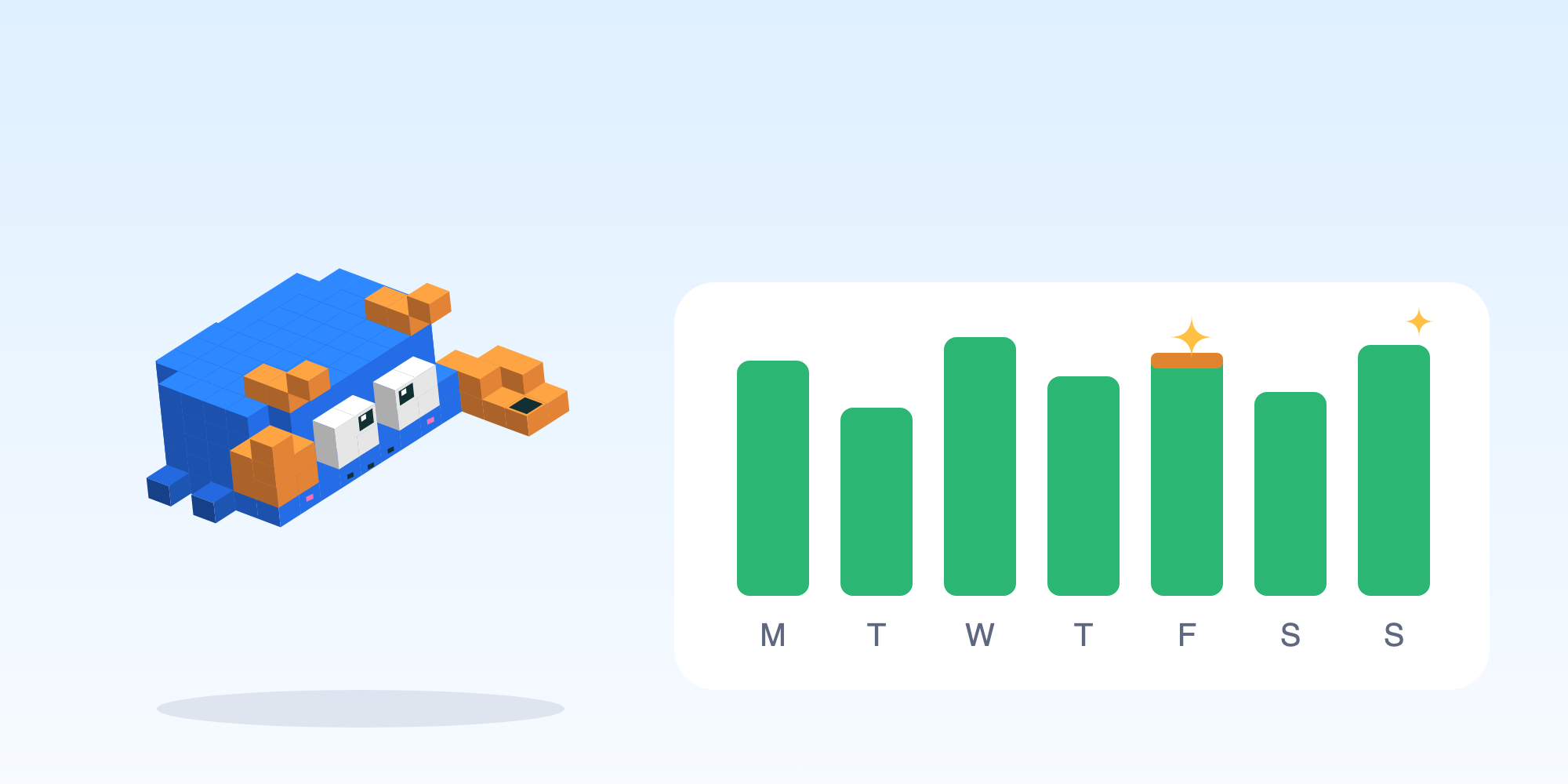
On the Monitoring page, each day of a scraper is now a small bar in two colours: the green part is the share of runs that brought data, the orange part the share that did not. A day with forty good runs and one failure reads as a good day with a thin orange line, so you spot a real bad day at a glance instead of hunting for it.
At a pilot's cadence a scraper can run twenty times a day, and a single retry on a slow site should not paint the whole day red. The bar keeps the detail: hover a day and you get the counts.
For developers: how a day is coloured
- 🌐 Web app · Day cell: a ratio bar, green for runs that returned data (full or fewer rows), orange for errors and empty runs, each at its true share, so forty green and one orange is 97.6% green.
- Minimum width: either colour keeps at least 3px, so one failure in nineteen runs stays a visible line; the tooltip gives the exact counts and a click opens the worst run of the day.
- Source: the same run history the run list shows, aggregated live, no cache.
Docs with search, and guides you copy from
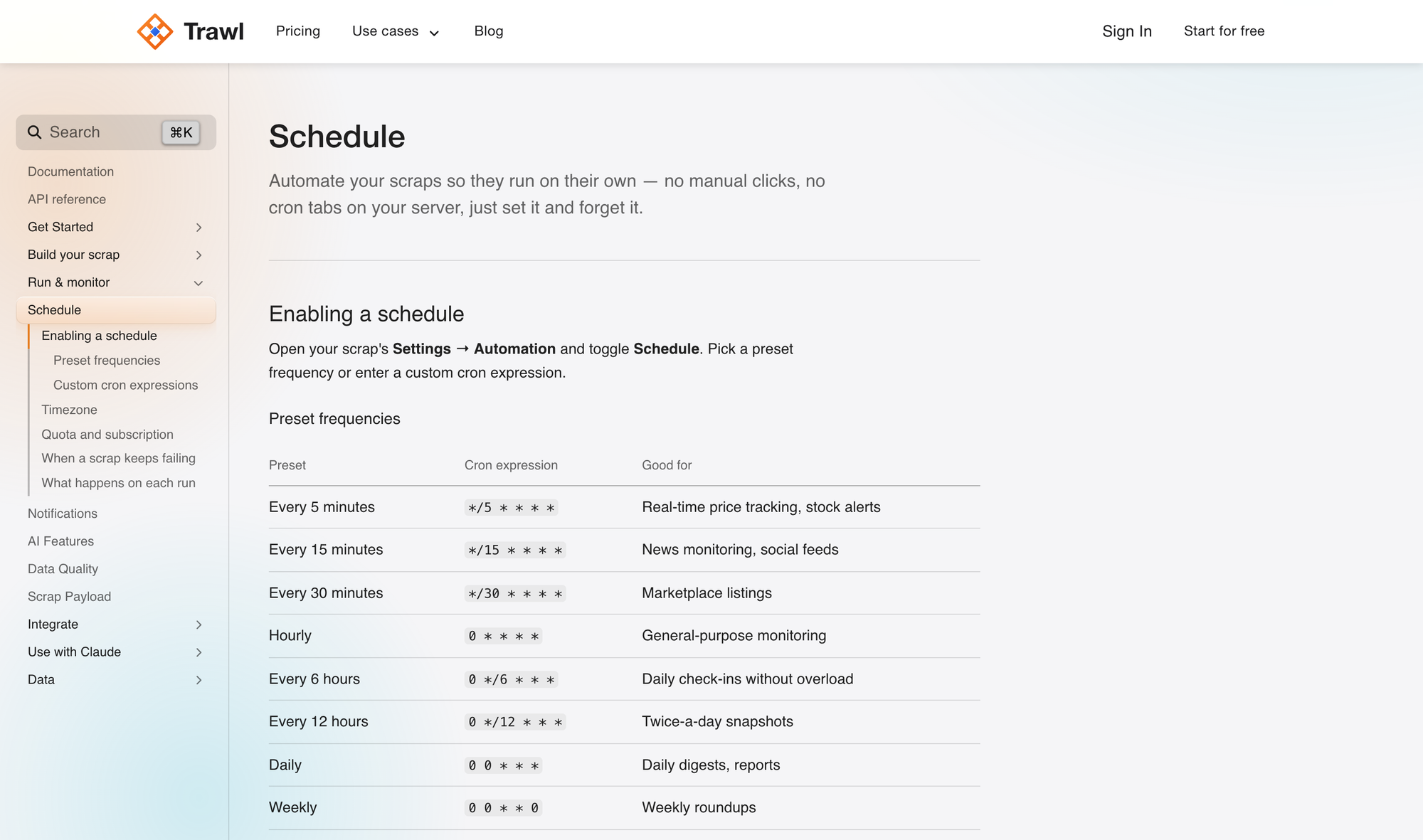
The documentation moved into the web app, on the same design as the rest of Trawl: a search box, a sidebar that follows your place on the page, and code blocks you copy in one click. The guides (scheduling, sessions, data quality, the CLI, MCP) and the API reference sit in the same frame. Start at trawl.me/docs.
The frame also takes a two-pane guide: the explanation on the left, the commands and payloads on the right, scrolling together, so you read what a step does and copy what it needs without leaving the line you were on. The first guide written that way is the one for the retail pilot; the others follow as they get rewritten.
For developers: what the two-pane guides hold
- 🌐 Web app · Two-pane guides: one guide per task, left pane prose, right pane the matching code block for each step, pinned while you scroll; a guide opts in with a content file, the rest stay single-column markdown.
- 🔗 API · 🔌 MCP · ⌨️ CLI: every endpoint, tool and command documented from the same source, with the exit codes and payload shapes the agents read.
Trigger a run and it uses your saved scenarios
From the CLI, trawl trigger with no parameters runs your scraper with the scenario set you saved on it, so a deploy script or a morning cron on your side gets the same run as Trawl's own schedule, including the regression check and the repair when the site changed.
The CLI also waits as long as a real run can take. A first run on a heavy page can take several minutes, and the CLI gives it the full twenty minutes the platform allows before it calls a timeout.
For developers: the call and what comes back
TRAWL_API_KEY=trawl_xxx trawl trigger 6ad8619b40829be5c9e05570 --json{
"type": "success",
"message": "scrap run queued",
"data": { "status": "queued", "scrapId": "6ad8619b40829be5c9e05570" }
}- ⌨️ CLI · trigger: no
--parammeans the stored scenario set;--watchpolls the run,--waitblocks until the result. - ⌨️ CLI · timeouts: run and wizard calls follow the platform's 20-minute worst case.
- ⌨️ CLI · skills:
trawl skillskeeps your agent skills on the version that matches your CLI, and installs the whole folder in one move.
Also new
- 🌐 Web app · Phones: the home page and the landing pages fit a phone width, with a single glass menu and footer links you can tap.
- ⚙️ Platform · Page reads: when a site declares its page unreadable, the run reports it in plain words, with the reason.
What is coming
The retail pilot behind these numbers compares a store's prices and product data with the brand's own pages, at catalogue scale, and tells the store what to fix. After the Monday price mail for small hotels, it is the second Trawl product built on top of scrapers rather than beside them, and it is why Keep data, the calendar and the docs got this much attention. We will say more once the pilot ends.
In the meantime, the load it created is yours to use. Name a page you check by hand, give Trawl the schedule, and read the calendar on Monday. Try Trawl free.
Previous release: Trawl 3.4: More Runs Per Plan, and a One-Line Install.
Written by Pierre | November 2026