
Let Claude Code Build Your Scraper
Connect Claude Code to Trawl with one command, ask in plain English for a scraper, and read the data back. The timeouts, costs and defaults to know first.


Claude Code can build a web scraper for you, and that scraper keeps running after you close the terminal. You give it a page and one sentence. It asks Trawl to write the script, test it on the live page, save it and run it once, then it reads the rows back to you. We ran every step below on 13 November 2026, on a fresh free account, with Claude Code 2.1.323. The build took 2 minutes 19 seconds.
This is a developer setup: you create an API key and paste one command. Trawl's MCP server takes a Bearer token, so it fits Claude Code and any client where you can set a header. If you would rather click than type, the MCP, CLI or API guide helps you pick another route.
What you need
- Claude Code, already working.
- A Trawl account. The free plan gives 10,000 compute, no card. Our build cost 2,761 compute in all, and each later run cost under 80.
- A public page to practice on. We use the Trawl blog: each post has a title, a date and a tag, and the list runs over two pages.
Make an API key
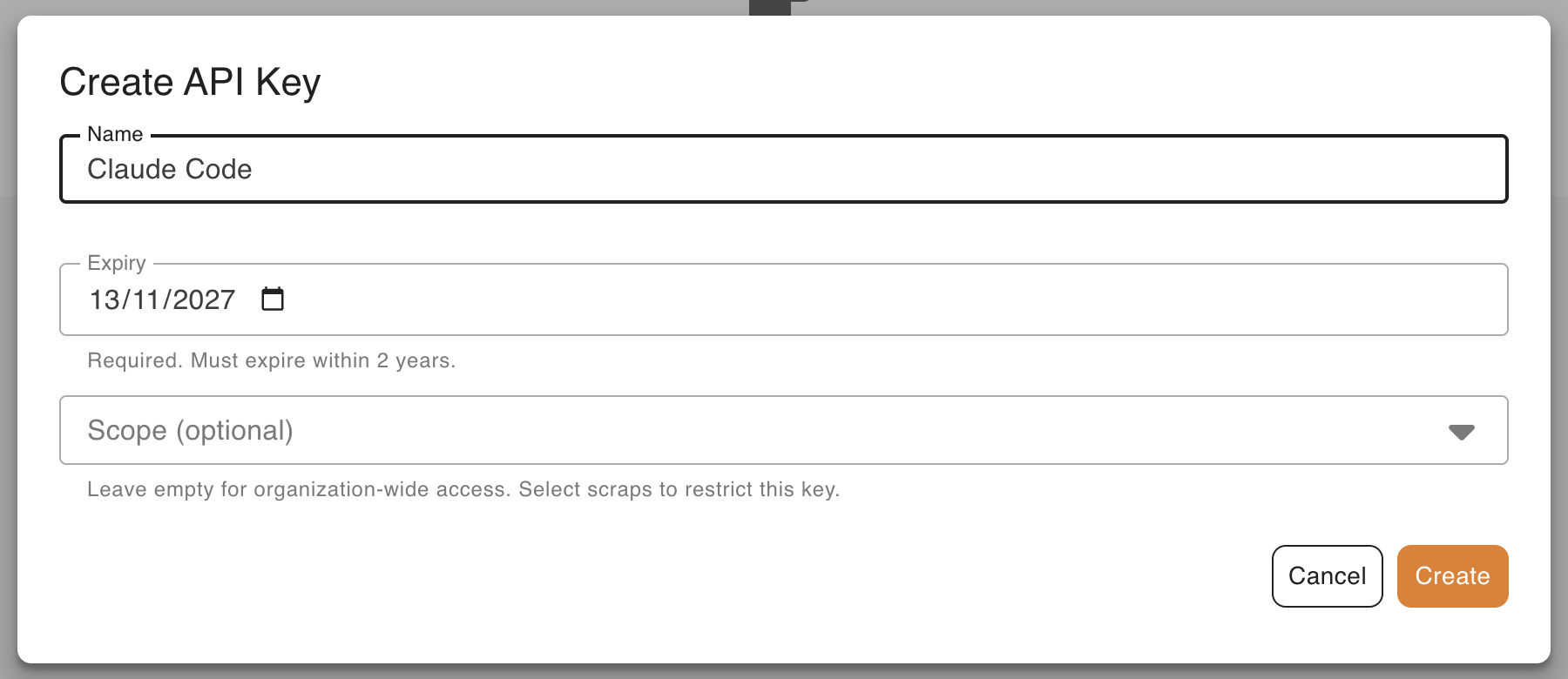
In the app, open Developers, stay on API Keys and click Create Key. Give it a Name and an Expiry. Leave Scope (optional) empty: that field limits a key to chosen scrapers, and this one will create new ones.
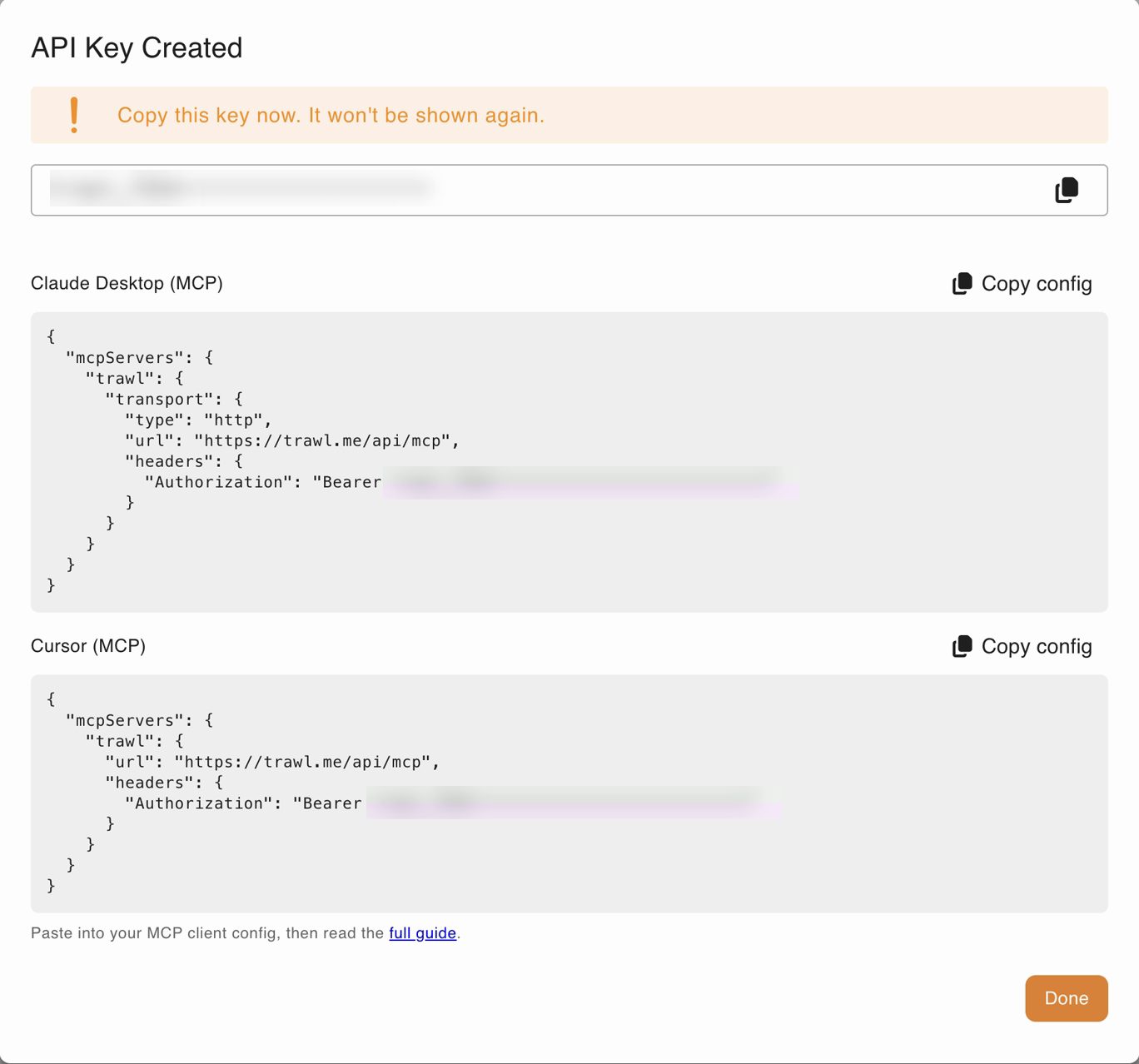
The key appears once, in the API Key Created dialog, and starts with trawl_. Copy it now. The dialog also shows ready-made configs for other clients; Claude Code takes the command below instead. Treat the key like a password and revoke it from the same tab when you are done.
Connect Claude Code
Add the server with Claude Code's own command, your key in place of the placeholder:
claude mcp add --transport http trawl https://trawl.me/api/mcp \
  --header "Authorization: Bearer trawl_YOUR_KEY"
claude mcp list
The command is documented on the Claude Code MCP page. When we ran it, Claude Code printed the header as [REDACTED], and claude mcp list showed trawl with ✔ Connected.
Where the key ends up matters:
- The default scope is
local: private to you, in this folder, stored in~/.claude.json.claude mcp get trawlprints the key in clear, so keep that command out of screen shares. - Skip
--scope projectfor a key. It writes the header into.mcp.json, a file meant to be committed. Use-s userto have Trawl in every project.
Prompt 1: check the connection
Start with a call that costs nothing:
> Use the Trawl tool to check who I am.Claude Code called trawl_whoami. Here is what came back, with our email left out:
{
  "organizationName": "Northwind Goods",
  "scrapIdsAllowlist": [],
  "mode": "apiKey"
}
An empty allowlist means the key reaches every scraper in the organization. A 401 instead means the key is wrong, expired or revoked, or the header has a typo. The server exposes 11 tools, from listing scrapers to reading a run, and the read-only ones say so, as covered in the read-only hints post.
Prompt 2: build the scraper
Now the real request, in plain English:
> Create a new Trawl scraper for https://blog.trawl.me/ that lists
  each blog post's title, publication date, tag and link.
Claude Code first opened the page itself, saw the blog runs over two pages, and wrote the goal for the tool with that in mind: list every post and follow the pagination. Then it called trawl_create_scrap and waited. The tool opens the page, writes the extraction script, tests it, saves the scraper and runs it once, all in one call. Ours answered after about 2 minutes:
{
  "success": true,
  "scrap": {
    "id": "<scrap id>",
    "url": "https://blog.trawl.me/",
    "cron": "0 7 * * 1",
    "cronTimezone": "UTC",
    "autoFix": true
  },
  "runId": "<run id>",
  "verified": true,
  "iterations": 1
}
Read it field by field. scrap is there, so the scraper is saved in your account. verified: true means the script passed its test on the live page before it was saved, and iterations: 1 means the first version was good. success and runId are about the first run, which took 30 seconds and returned 44 rows.
One small thing to watch: Claude Code's summary said 43 posts, while the stored data holds 44. The data is the truth, so check the row count there before you build on it.
If the call is cut, list before you retry
A harder page can take much longer than ours, and Claude Code gives up on a tool call that stays silent too long. Its docs describe the MCP_TOOL_TIMEOUT setting, in milliseconds, if you need more room. If a build is cut anyway, do not ask for it again straight away: the server keeps working and may still save the scraper, and a second build is billed again. Ask first:
> List my Trawl scrapers that mention blog.trawl.me.That runs trawl_list_scraps, which only reads. Look, then decide.
Prompt 3: read the result without a new run
> Show me the latest result of my Trawl scraper for blog.trawl.me,
  without running it again. First five rows only, as a table with
  date, tag and title.

Latest run: 2026-11-13 20:50 UTC, success. Not re-run.

| Date       | Tag       | Title                                       |
|------------|-----------|---------------------------------------------|
| 2026-11-12 | tutorials | Trawl MCP, CLI or API: Which One to Use ... |
| 2026-11-10 | tutorials | Build a Weekly Price-Watch Email in n8n ... |
| 2026-11-10 | News      | Trawl 3.16: What 15 Days at Full Load ...   |
| 2026-11-05 | tutorials | Get Alerted When Your Own Website Has ...   |
| 2026-11-03 | tutorials | The Trawl CLI in 10 Minutes: Create a ...   |
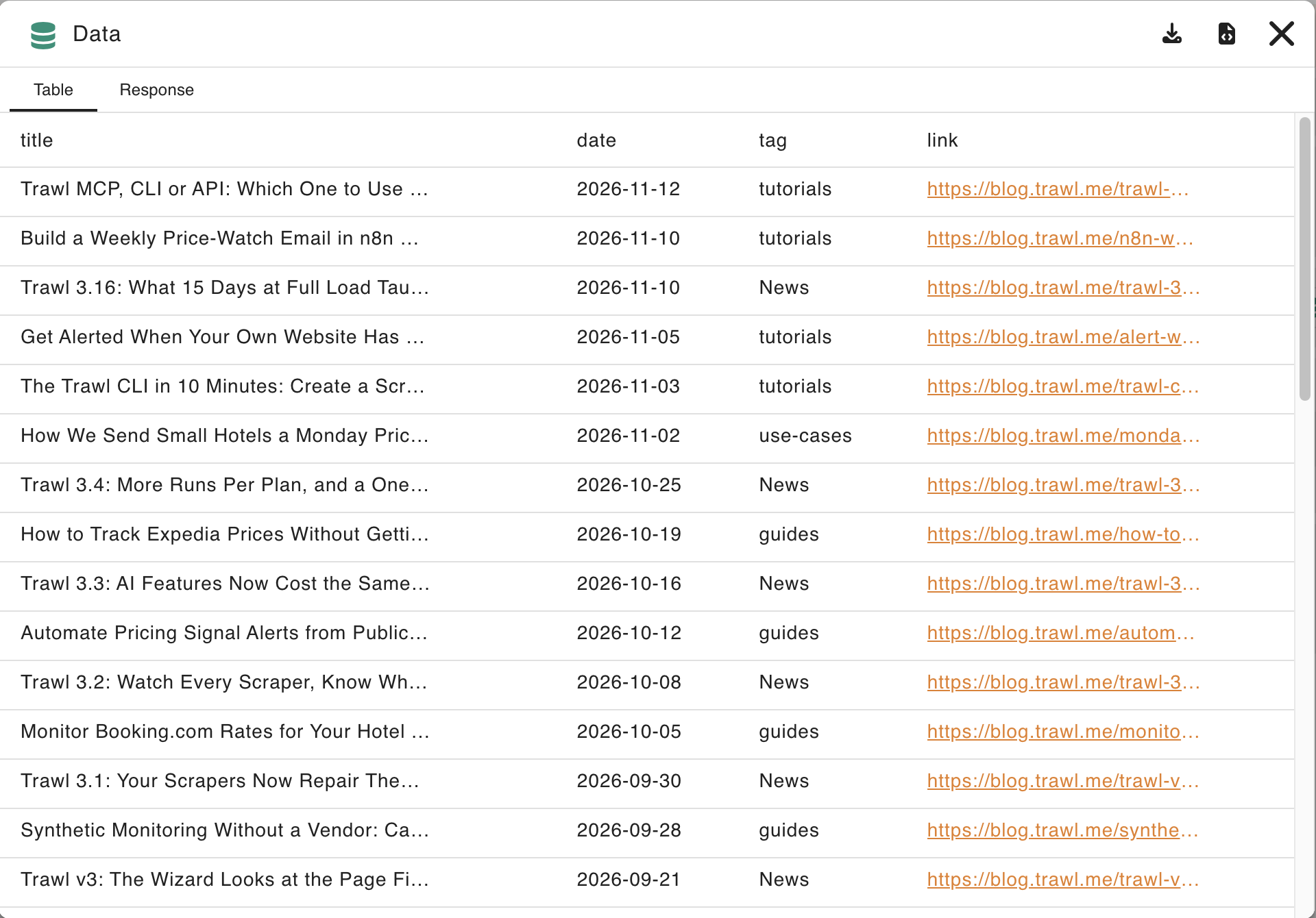
Claude Code found the scraper with trawl_list_scraps, then read the stored rows with trawl_scrap_latest_result. Neither starts a run, so neither costs compute. The titles are cut here to fit; the data has them in full, plus the link. The tags keep the blog's own capitals because that is how the page shows them. If a column comes out wrong, change the sentence and build again.
Want the same in your own terminal? Start free on Trawl, 10,000 compute and no card.
What you have now
The table in your terminal is not the end product. The scraper lives in your account, with its script, its data and its run history. Open it from the Scraps list in the app:
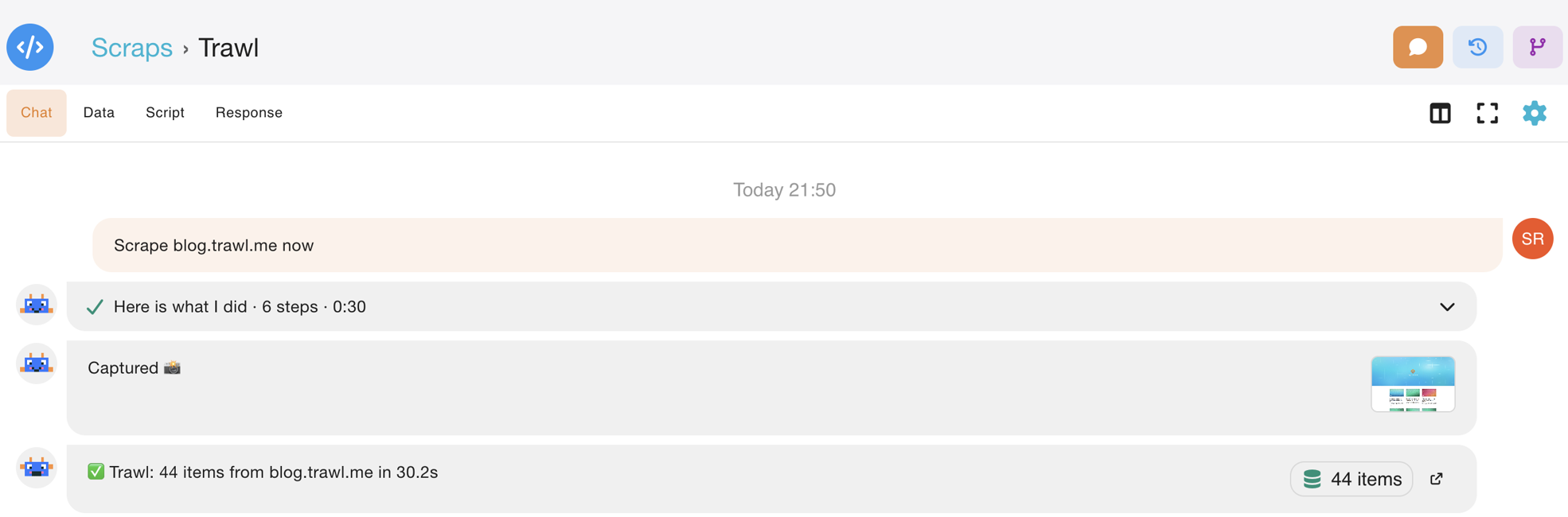
Click the items chip to open the data window, where you can also download it as CSV or JSON:
Three defaults came with the scraper, none of them in the prompt:
- It runs every Monday at 07:00 UTC. MCP creation sets no schedule of its own, so the weekly default applies.
- Auto-fix is on. When the page changes and a run breaks, the script gets repaired. Self-healing scrapers explains how.
- The email digest is on, sent to your account email. It starts after the first run.
We started a second run from the CLI at 20:53 UTC. It took 27 seconds, and the digest was in the inbox a minute later: a short summary of what the page holds, grouped by theme, with a link to the run.
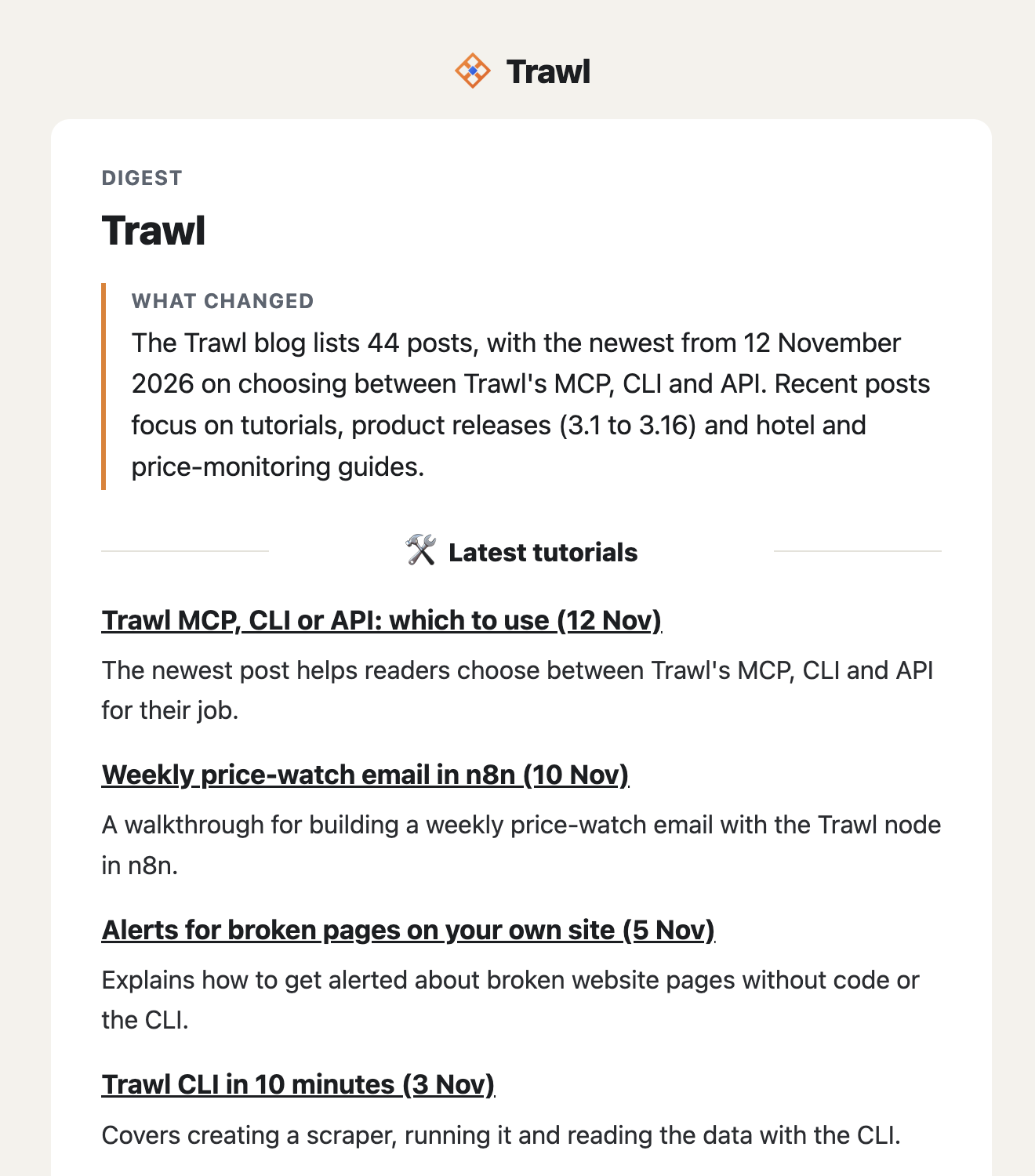
A digest is billed in compute too (619 for this one), so turn it off on the scraper's Notifications tab if you will not read it. The schedule is the one thing Claude Code cannot change: no MCP tool updates or deletes a scraper. Use Settings > Schedule in the app, or the CLI: trawl scraps update <id> --cron "0 9 * * 1".
Optional: teach Claude Code about Trawl
The Trawl CLI ships Claude Code skills: short instruction files on the CLI, scraper scripts, logins and local tests. trawl skills install adds them to ~/.claude/skills/; restart Claude Code so they load. The three prompts above do not need them, but they help once you move from "build me one" to "fix this one".
Where it stops
Each tool call is its own HTTP request and each caller is rate-limited, so a loop of hundreds of calls belongs in the CLI or the REST API, not in a chat. For feeding live pages to an agent more broadly, read Ground Claude with live web data via MCP. The full tool list is in the MCP docs.
Ready to try it on a page you care about? Create a free Trawl account, make a key and run the command above.
Disclaimer: Trawl provides scraping infrastructure. Users are responsible for ensuring their use complies with applicable laws and website terms of service. This article is for educational purposes only.
Written by Pierre | November 2026