
Trawl v2.0: Your Agent Can Now Build Self-Healing Scrapers
Trawl v2.0: create persistent, self-healing scrapers from one sentence. Via your agent over MCP, your own AI with an API key, the CLI, or the app.


One Sentence In, a Self-Healing Scraper Out
Since we opened the private beta, an agent connected to Trawl could read a page that fights back (anti-bot walls, CAPTCHAs) and hand you structured JSON. Useful, but it stopped there: nothing survived the conversation. Trawl v2.0 changes the verb from read to build.
You can now create a persistent, self-healing scraper from a URL and one plain-language sentence. From your agent, your own code, your terminal, or the app. It keeps delivering data long after the chat ends.
What's in This Release
- Pick your door: four ways to create a scraper
- From one sentence to data
- From scraper to data you can use
- Less babysitting: self-healing got more rigorous
- Meet Pinch, and an onboarding that tells the truth
- The quiet part: billing and security
- FAQ
The short version: API v2.0.0, web app v2.6.0, CLI 3.5.1, and Claude skills 1.4.2, shipped the same day. Our biggest release since the beta opened, touching every surface: MCP, API, web app, CLI, platform, billing, and security.
Pick Your Door: Four Ways to Create a Scraper
Until now, building a scrap meant walking through the wizard in the web app. That door is still there. This release adds three more, and you pick the one that fits how you work:
- 🔌 Your agent does it (MCP): say "watch this product page and tell me when the price drops" in Claude Desktop, Cursor, or any MCP client, and the new
trawl_create_scraptool builds the watcher mid-conversation: extraction schema, schedule, and self-healing repair attached. You go back to your day; the data keeps arriving. - 🔗 Your own AI writes the code (API): prefer owning the script? Ask whatever AI you already use to write a few lines against the Trawl REST API. API keys now carry the
trawl:scraps:createscope, so the whole creation flow works programmatically: a deploy script can create a job-listings watcher the same way it seeds a database. Your code, your repo, your rules; Trawl just runs the scraper it describes. - ⌨️ Your terminal (CLI 3.5.1): the same scrap without leaving your shell:
trawl create <url> "what you want". First contact got politer too: baretrawlprints clean help,trawl pingworks before login, andtrawl runsays up front that it blocks while the run executes. - 🌐 The web app: the wizard, as always, now with per-client MCP config blocks ready to paste for Claude Desktop and Cursor.
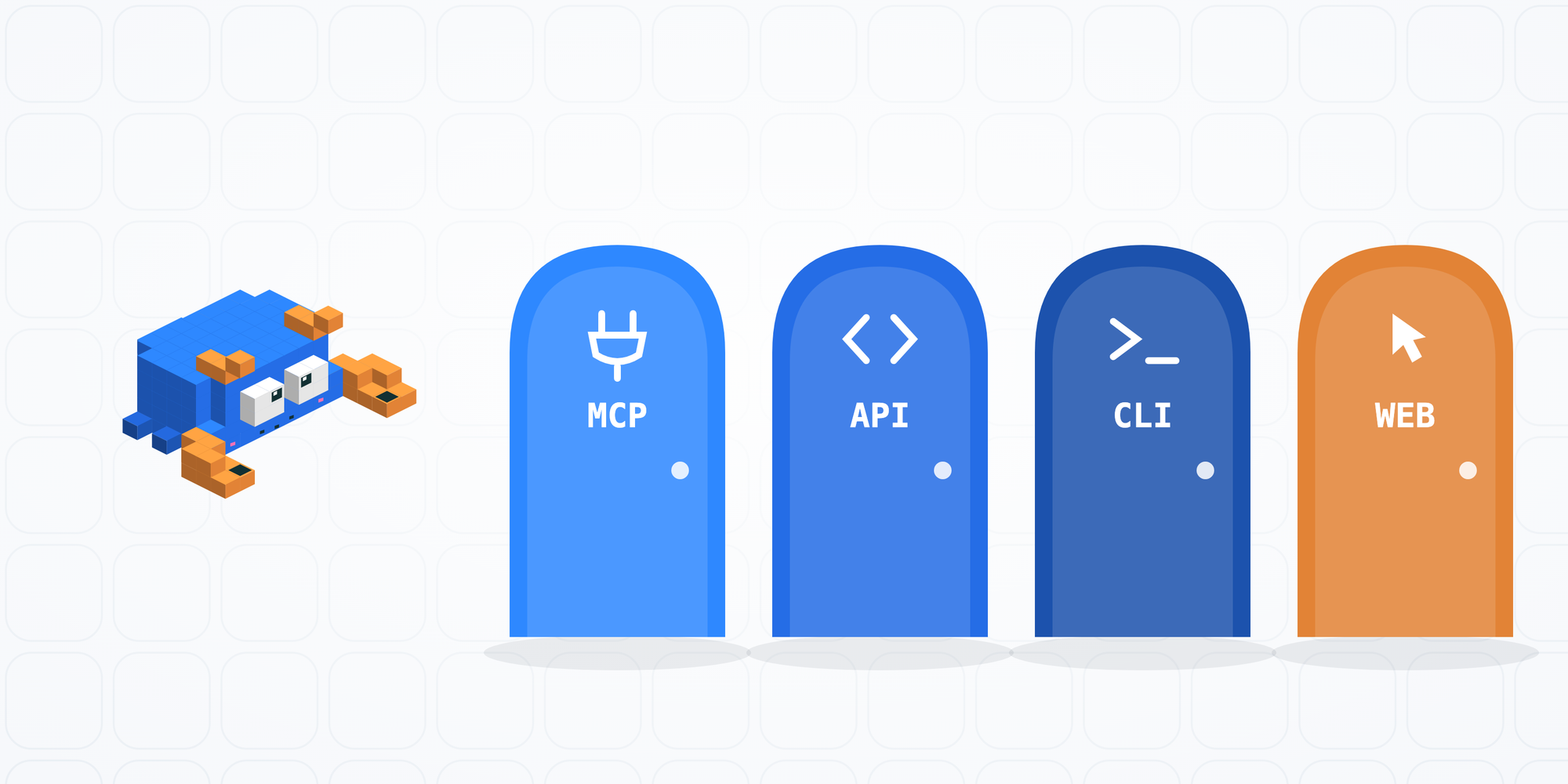
Every door leads to the same place: a persistent scrap that runs on schedule, survives layout changes, and returns structured data. The choice is about control, not capability.
One honest note on the major version bump: a short-lived one-shot fetch tool existed briefly between releases and is gone before it ever reached a stable version. Creation replaced it deliberately. A one-shot read answers a question once; a scrap keeps answering it every day.
Want a scraper you don't have to babysit? Try Trawl free. The free plan needs no credit card.
From One Sentence to Data
Here is the whole loop, concretely. You type one line in your terminal:
trawl create https://example.com/rooms "nightly rate, room type, availability"The wizard builds the scrap: extraction schema, schedule, and self-healing attached. From then on, the latest result is one call away (Growth and Pro plans):
GET /api/scraps/{id}/data

{
  "type": "success",
  "message": "scrap data",
  "data": [
    { "roomType": "Double", "nightlyRate": 129, "availability": "available" },
    { "roomType": "Suite", "nightlyRate": 249, "availability": "sold out" }
  ]
}
The envelope is exactly what the API returns; the fields inside data are yours, defined by the sentence you typed. No selectors, no HTML parsing, no retry logic on your side.
From Scraper to Data You Can Use
Creating the scraper is half the story. v2.0.0 also shortens the path from "it ran" to "I used the data":
- 🔗 Live JSON endpoint: your latest structured data, one call away, on Growth and Pro plans:
GET /api/scraps/:id/data. Wire it into a dashboard, a spreadsheet refresh, a cron, or another agent, with no run-history paging in between. A price watcher becomes one GET away from your morning coffee. - 🔗 Webhooks tell you where: you now know which region your data actually came from:
scrap_run_completedpayloads include aresolved-regionfield. If you monitor prices that vary by country, you now know which country you are looking at.
Less Babysitting: Self-Healing Got More Rigorous
A scraper you created in one sentence only stays valuable if it survives on its own. Two changes back that promise:
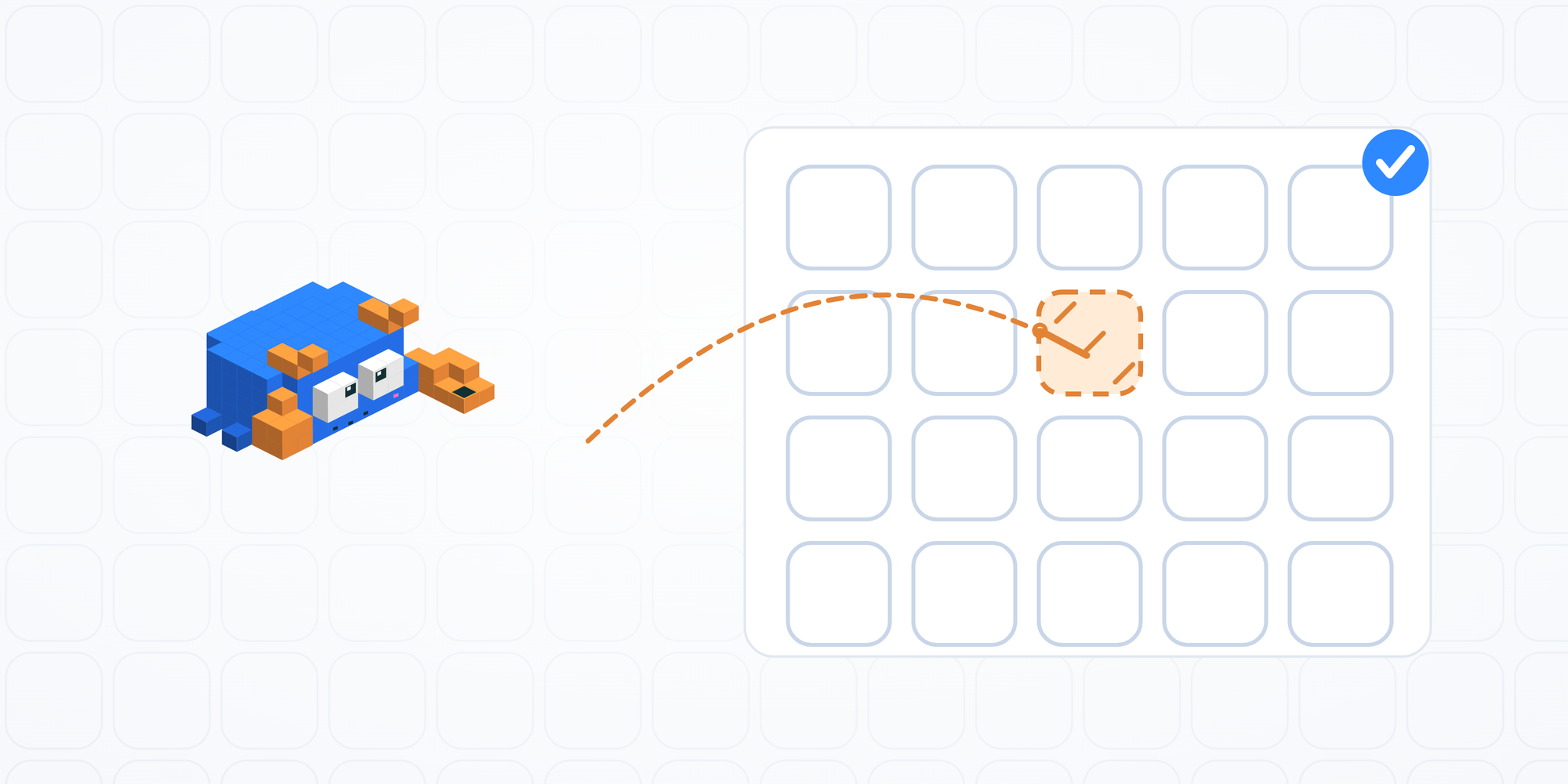
- ⚙️ Multi-candidate autofix: when an extraction drifts, the repair loop now generates several candidate fixes and evaluates them against each other before picking one, instead of trusting the first answer. An evaluation harness scores the loop itself, so repair quality is measured release over release. If you want the background on why scrapers break in production, we wrote it up.
- 🔗 Proxy tier override per scrap: after a blocked run, you can now pin a specific proxy tier on a scrap instead of waiting for the escalation ladder to climb. The override is typed and clamped to valid tiers.
Meet Pinch, and an Onboarding That Tells the Truth
Web v2.6.0 is where this release gets a face. If you have scrolled this far, you have already met him three times: Pinch, our voxel deckhand. He reads the page, casts the net, hauls the data.
- 🌐 Pinch in 3D: our voxel mascot now rotates in the hero and shows up as a companion in the chat, the wizard, the sign-in page, and even the 404. The brand glyph is unified across every surface. He also has nine expressions in the terminal.
- 🌐 Honest onboarding: the first-run flow now shows real expected times and a visible "still working" state instead of an optimistic spinner. A first scrape on a defended site takes time; pretending otherwise costs trust. The funnel is tighter as a result, with fewer steps between signup and first data.
- 🌐 Pricing truth pass: plan cards were regrouped and every price and quota line was rechecked against what the backend actually enforces. What the page says is what you get.
- 🌐 Docs your agent can read: an up-to-date
llms.txtcovering all nine MCP tools, and a refreshed API reference under/docs/api.
The Quiet Part: Billing and Security
The unglamorous half of a major version:
- 💳 No silent downgrades: plan resolution was hardened so an account can no longer slip to a lower plan without an explicit change, and a mid-cycle upgrade now credits your quota immediately instead of at the next period.
- 🔒 Tighter boundaries: MCP scopes are now enforced per tool, access for revoked organization members is fully closed, and MCP rate limits tolerate short bursts without punishing normal agent behavior. We also strengthened secret redaction inside the AI repair loop and hardened it against prompt injection. Routine work, done routinely.
That's the release. Pick your door: tell your agent to build a scraper, ask your own AI to script one against the API, type trawl create, or click through the wizard. Start free and watch the data show up tomorrow morning.
FAQ
What is trawl_create_scrap?
It is a new MCP tool in Trawl API v2.0.0. You give it a URL and a goal in natural language, and Trawl's AI wizard builds a persistent scrap: extraction schema, schedule, and self-healing repair included. It works from Claude Desktop, Cursor, or any MCP client.
Can I create a scraper with my own AI instead of using MCP?
Yes. API keys now carry the trawl:scraps:create scope, so you can ask any AI you already use to write a small script against the Trawl REST API. You keep ownership of the code; Trawl runs the scraper it creates. MCP is one door, not a requirement.
How do I create a Trawl scraper from Claude Desktop or Cursor?
Connect your client to the Trawl MCP endpoint at api.trawl.me/api/mcp (the web app has copy-paste config blocks for Claude Desktop and Cursor), then ask your agent to create a scrap with a URL and what you want extracted. The trawl_create_scrap tool does the rest.
Does v2.0.0 break my existing integration?
No, unless you used the short-lived one-shot fetch tool, which existed only between releases and was replaced by persistent scrap creation (that removal is why the major version bump). Existing tools keep their names and shapes. Scopes are now enforced per tool and rate limits are burst-tolerant, which tightens security without changing normal agent behavior.
Written by Pierre | July 2026