
Trawl 3.3: AI Features Now Cost the Same as a Scrap
Wizard, generate and autofix now bill at the same rate as a scrap. Plus digests that say what changed and a wizard that starts from what works.


Trawl already runs your scrapers on a schedule and repairs them when a site changes. With 3.3, every AI feature costs the same as a scrap, so you can use the wizard, generate and repair as freely as you run. Digests also learn to say what changed, and the wizard starts from what already works.
In short, this release brings:
- 💰 One price for every operation: the wizard, generate, autofix, scrap and digest all bill at the same rate.
- 📰 Digests that say what changed: new entries, gone entries and moved values, written up in your inbox and in the chat.
- 🧭 A wizard that starts from what works: examples from similar scrapers, your data first, a schedule set at creation.
Live now on the web app, the API (v3.3.0), the worker (1.5.2) and, in CLI 3.15, on your terminal. Nothing to turn on: every account has it.
One price for every operation
Every operation in Trawl now bills at the same rate. The wizard, generate and autofix cost what a scrap costs, so you can ask for a new scraper, a rewrite or a repair without doing the maths first. Plan prices, quotas and packs stay as they are, and it applies to every organization from today.
A typical wizard session now uses about 1,900 credits. The free plan's 3,000 credits cover one with room to spare, and if a free user runs out mid-wizard, the upgrade prompt shows up right there.
For developers: how the credits add up
- Pricing version 2026.10: every operation bills at ratio 1. The wizard was at 5, generate at 3, autofix at 2.
- Same rate everywhere: wizard, generate, autofix, scrap and digest. A scrap and a digest stay at ratio 1.
- Worked example: a wizard session that billed 9,353 credits at ratio 5 bills 1,870 at ratio 1.
- Unchanged: plan prices, monthly quotas and credit packs.
Digests that say what changed
A digest can now tell you what moved since the last run: the new entries, the ones that disappeared and the values that changed. You pick how it reads, and you can ask for a digest only when something actually changed, so a quiet day sends nothing.
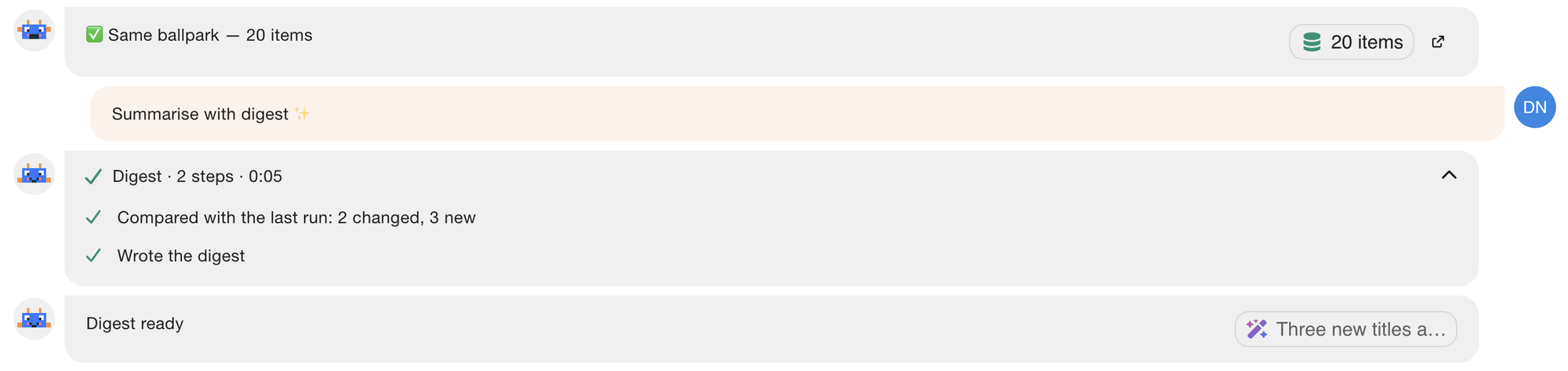
The email subject and its preview line carry the headline, so you can read the news before you open the mail. In the scrap chat, the digest shows up as a card, and each step the agent takes shows up as its own card in the log.
When you build a scraper with the wizard, you choose the digest mode before you write the prompt, so the digest is set up with the scraper.
For developers: the three digest modes
latest: a summary of this run's data.changes: what changed since the last successful run. When nothing changed, a one-line "No change since the last run".changes_only: the same, with no digest at all when nothing changed. This is the one with a condition.- Counts come from code: in the two change modes, Trawl compares the runs itself, so the counts are exact whatever the number of rows, and the AI only writes them up.
- ⌨️ CLI 3.15: the digest options sit on the grouped
digestobject.
A wizard that starts from what works
The wizard now starts from examples of similar scrapers on the same platform. You also see your data before the automation step, so you check the rows first and schedule afterwards.
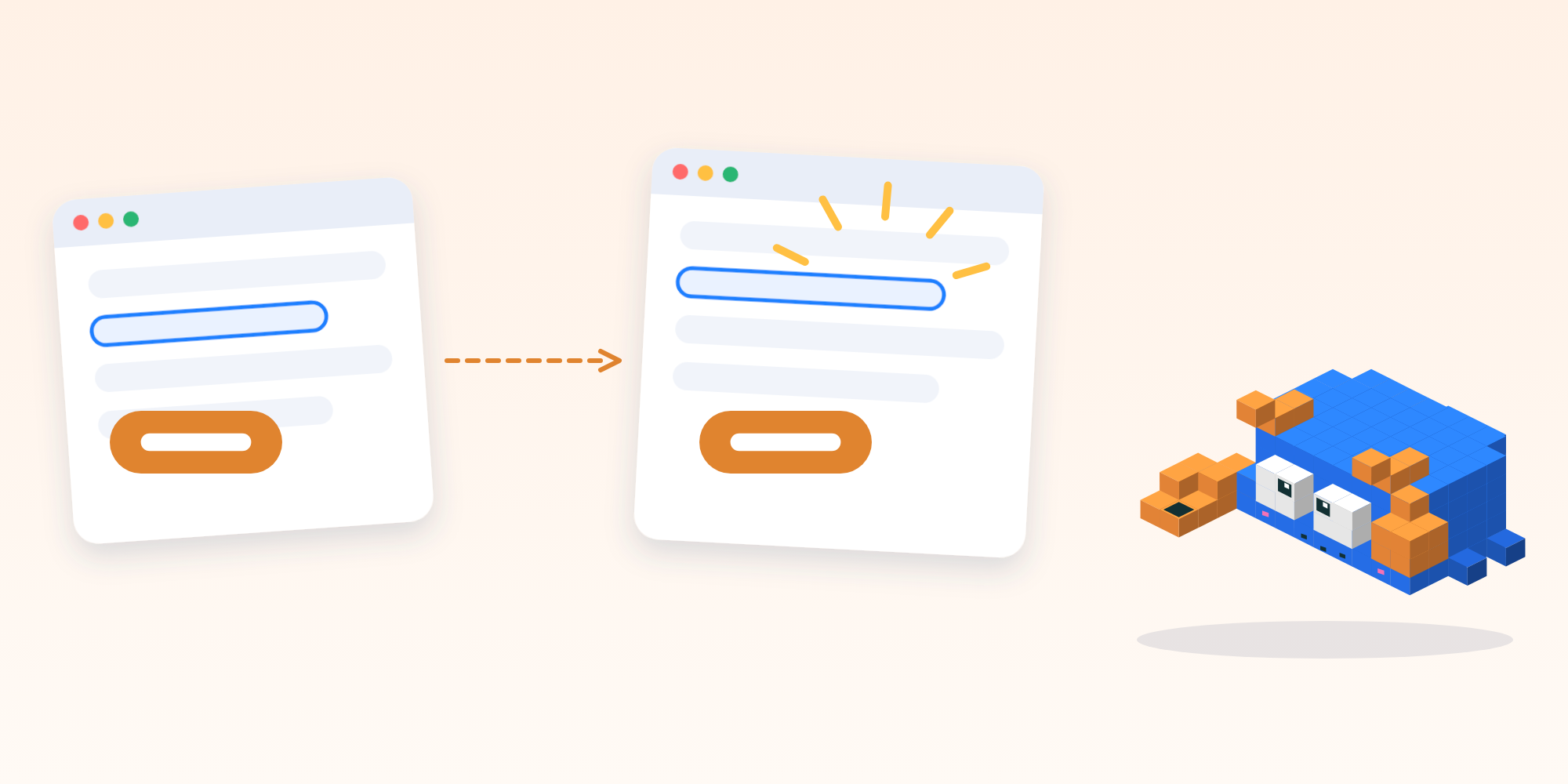
You can set the schedule and the digest while you create the scraper, in the same conversation. The wizard streams one step per tool call it makes, so you follow what it is doing as it does it.
For developers: what the examples are
- Examples from similar scraps: the wizard picks examples from scrapers on the same platform. They are scrubbed configurations.
- Cron and digest at creation: the wizard accepts a schedule (a cron expression) and a digest setting when it creates the scraper.
- One step per agent tool call: the stream carries one step for each tool call, so a client can render real progress.
Runs, everywhere
The list of past results is now called Runs, in the app, the API and the CLI. It is the same list you already knew, under a name that matches what it holds: one entry for each time a scraper ran. The old names stay as aliases, so your links and scripts keep working.
In the scrap settings, you will find the data options in the Data tab.
For developers: runs and trigger from the CLI
CLI 3.15 adds trawl runs (trawl history still works) and lets you launch a scraper with your own values for one run, without touching the stored sets:
trawl trigger 6ac7a71699dcf367b1b86d20 --param q=boots --wait
trawl runs 6ac7a71699dcf367b1b86d20 --json -n 1
[
{
"hid": "6ac7a71699dcf367b1b86d21",
"status": "success",
"tier": "tier1",
"failureKind": null,
"blockType": null,
"createdAt": "2026-10-16T07:00:04.112Z"
}
]--param can be repeated. Keys come from the first stored set (the TRAWL. prefix is optional) and values are typed like that set. Trimmed: each entry also carries the run time, and the list has one entry per run, newest first.
- 🔗 API:
runsis the new name andhistorystays as an alias. - ⌨️ CLI 3.15: response size caps are sized for a run of up to 64 MiB.
Also new
- ⚙️ Platform · More walls handled: a Cloudflare challenge that comes back right after a solve is solved again, and the Fastly Client Challenge is recognized.
- ⚙️ Platform · Premium browser failover: when one premium browser provider cannot get through, the run moves on to the next one automatically.
- 💳 Billing · An upgrade prompt in the wizard: a free user who reaches the end of their credits sees how to upgrade without leaving the conversation.
- 🌐 Web app · A Data tab in scrap settings: the data options sit together in one tab.
Build a scraper with the wizard, pick a digest, and let it tell you each morning what moved. Try Trawl free.
Previous release: Trawl 3.2: Watch Every Scraper, Know Why a Run Failed.
Written by Pierre | October 2026